
AI Image Upscaler
Enhance image quality and resolution instantly with Monet Labs' advanced AI. Upscale photos up to 4K/6K without losing quality. Perfect for printing, e-commerce, and web use.
AI Portrait Enhancer: Retouch Faces & Restore Old Photos
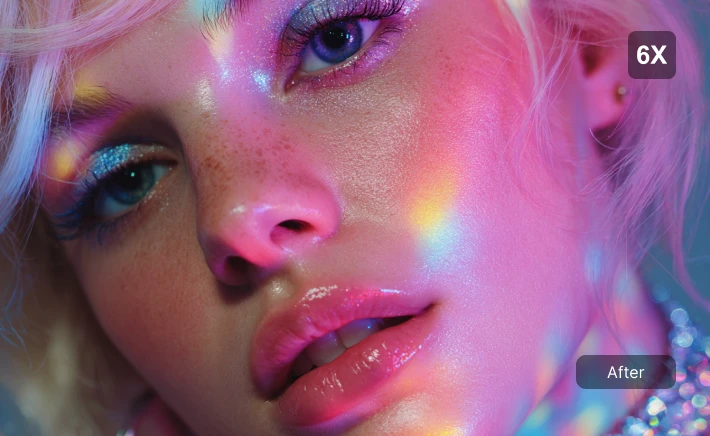
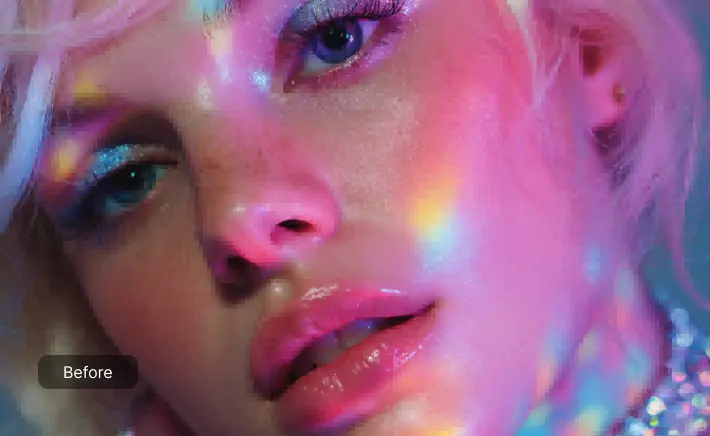
See the upgrade instantly—cleaner skin, sharper eyes, and a natural look without that fake "over-filtered" vibe. Perfect for fixing blurry selfies, creating professional headshots, or restoring old family photos. Our AI brings back missing details so your portraits look crisp and print-ready.
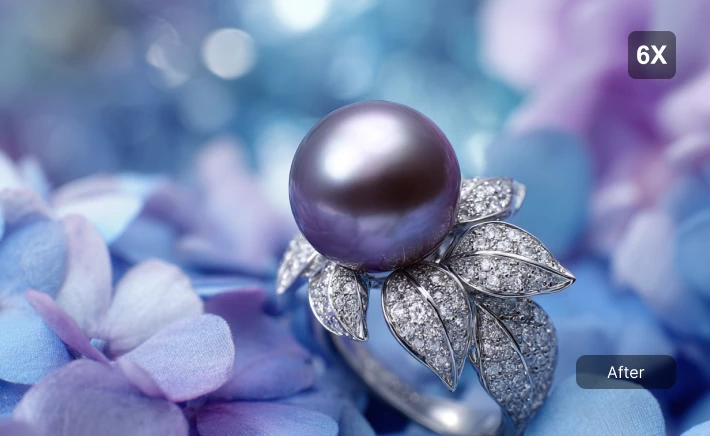
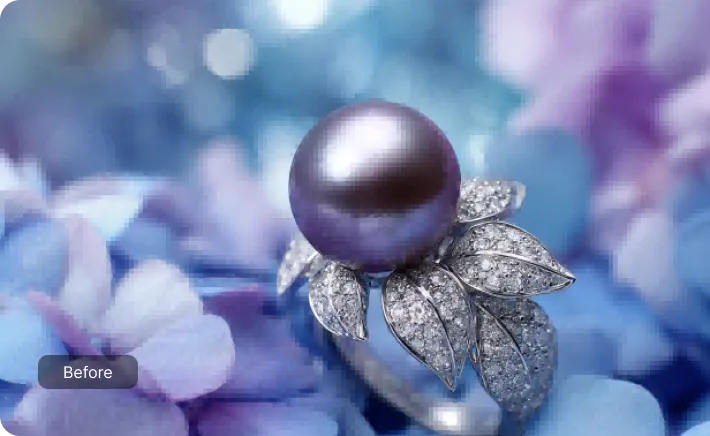
Product Photo Upscaler: Crystal Clear Details for E-commerce
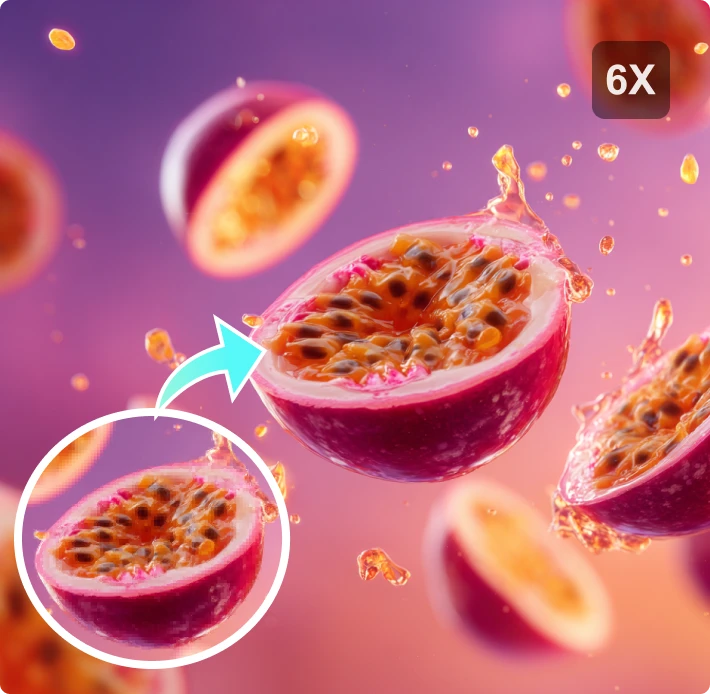
Blurry product photos hurt sales. In this macro shot, notice how the AI sharpens metal textures and removes noise? If you sell jewelry, handmade goods, or cosmetics, use this tool to enhance product photos and increase image resolution. High-quality images build trust and help you sell more.
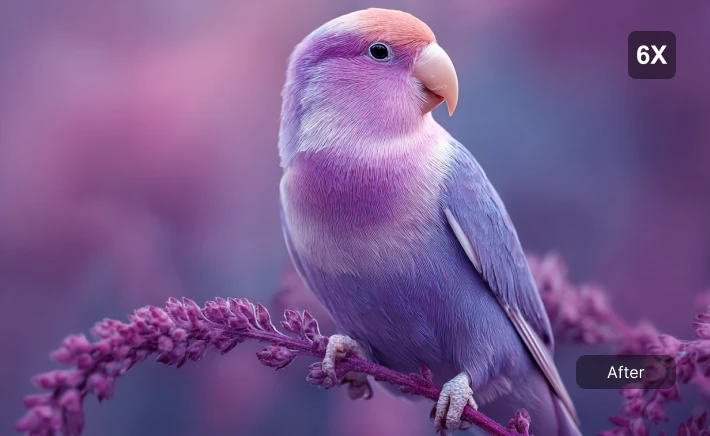
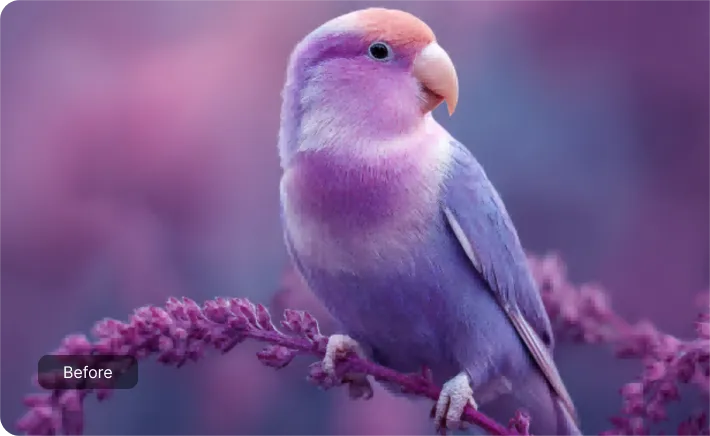
Nature & Art Upscaler: High-Res Images for Printing
Wildlife shots often lose quality when cropped. Our upscaler increases resolution to reveal fine details like feathers and leaves while keeping colors vibrant. Great for photographers needing 6K wallpapers, large prints, or sharp social media posts. Turn your snapshots into professional-grade art.
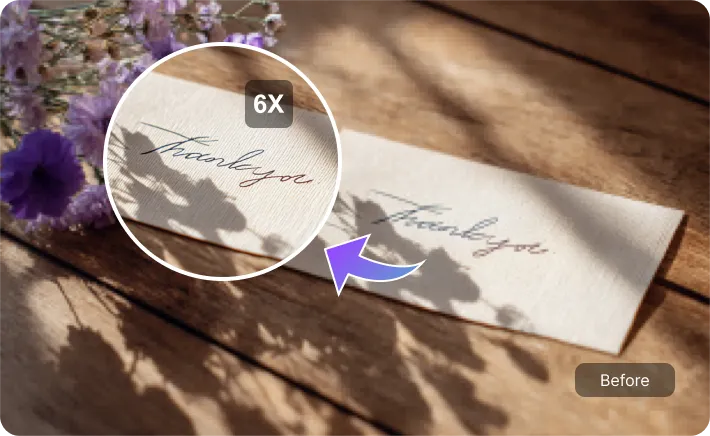
Document Clarifier: Make Scanned Text Readable Instantly
Don't squint at blurry scans. Whether it's old handwritten notes, faded receipts, or low-res contracts, our AI sharpens text and whitens backgrounds for maximum readability. It’s the easiest way to digitize old documents and make them perfectly legible for archiving or printing.
How to Enhance Image Quality in 3 Steps
1. Upload Your Low-Res Photo
Simply drag and drop your blurry or small image into the upload area. We support all common formats including JPG, PNG, and WebP. No account needed to start.
2. Wait for AI Enhancement
Our AI instantly analyzes the image structure. It intelligently fills in missing pixels, removes noise, and sharpens textures to boost resolution up to 4K/6K in seconds.
3. Preview & Download
Compare the before and after results side-by-side. Once you're happy with the crisp, high-definition look, download your improved photo instantly.
Why Use Monet Labs Image Enhancer?
Lossless Enlargement up to 6K
Most tools just stretch your image, making it pixelated. Our AI actually reconstructs the details. You can turn a small mobile photo into a huge 6K poster that looks sharp, clear, and professional—like it was shot on a DSLR.
Fix Blurry Photos Instantly
Saved a low-res image from the web? Or have a shaky photo? Our AI smart-fix technology removes noise and blur in seconds. It's the fastest way to rescue 'unusable' photos without learning complex editing software.
100% Secure & Private
Your photos stay yours. We use advanced encryption and automatically delete all uploads from our servers after processing. No one else sees your images, so you can enhance personal or sensitive photos with total peace of mind.
Free to Try, Professional Results
You shouldn't have to pay just to see if it works. Start upscaling for free and see the magic yourself. Whether you're a student, designer, or business owner, get premium-quality enhancements without the premium price tag.
Ready to Transform Your Photos into HD?
Don't let blurry images ruin your work. Upscale your low-res photos to 6K instantly with our free AI tool. No credit card required—just pure, high-quality results.
FAQs about AI Image Upscaler
Is this AI Image Upscaler free to use?
Yes! You can start enhancing your photos for free. Our online tool allows you to upscale images, improve quality, and sharpen details without any cost. It's the perfect way to test our AI technology before committing to larger batches.
How do I upscale an image without losing quality?
That's exactly what our AI does. Unlike traditional resizing that stretches pixels (making images blurry), our AI analyzes the photo and intelligently generates new pixels to fill in the gaps. This means you can enlarge images up to 4K or 6K resolution while actually *improving* their sharpness and clarity.
What file formats do you support?
We support the most common image formats including JPG, PNG, and WebP. Whether it's a photo from your phone, a downloaded web image, or a digital art piece, you can upload it directly for instant enhancement.
Can I use this for printing?
Absolutely. This is one of the best use cases. If you have a low-res photo that you want to print on a canvas, poster, or flyer, our upscaler will increase the DPI and resolution, ensuring your print looks crisp and professional, not pixelated.
Is it safe to upload my personal photos?
Your privacy is our priority. We use secure encryption for all uploads, and we do not store your images permanently. All files are automatically deleted from our servers shortly after processing. You are the only one who sees your photos.
How long does it take to upscale a photo?
It's super fast! Most images are processed in just a few seconds. Even for 4x upscaling, you won't be waiting long. It's much faster than manual editing in Photoshop.
Can I use the enhanced images commercially?
Yes, you own 100% of the rights to your generated images. Feel free to use them for your e-commerce store, marketing materials, client projects, or anywhere else. We claim no copyright over your work.
What's the difference between upscaling and sharpening?
Sharpening just increases contrast at edges, which can look grainy. Upscaling actually increases the number of pixels (resolution). Our tool does both: it enlarges the image size *and* uses AI to reconstruct details, giving you a larger, cleaner, and more detailed result.