
Online AI Background Remover
Instantly remove backgrounds from images with our advanced AI tool. Create transparent backgrounds for products, portraits, and graphics in one click. Fast, precise, and high quality.
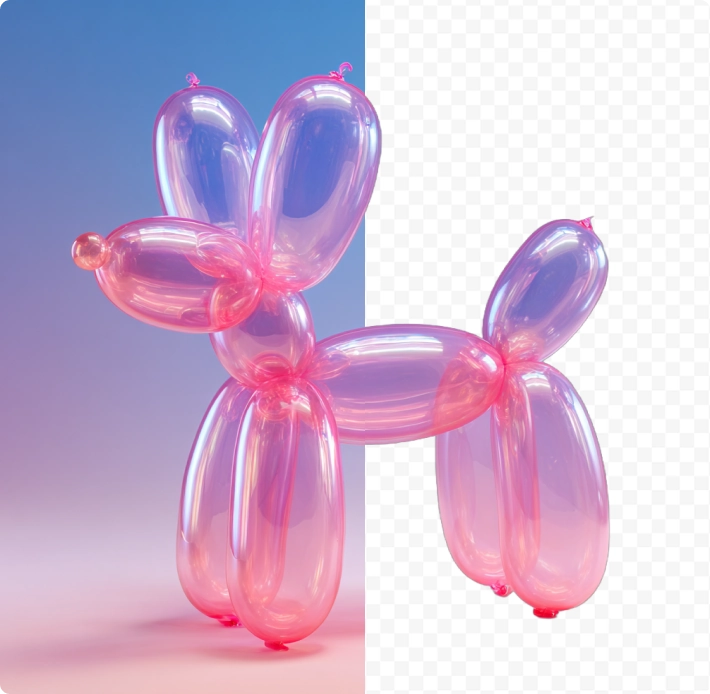
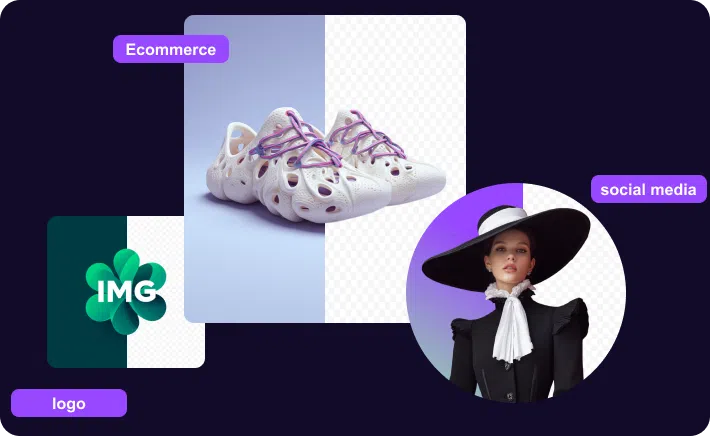
Ecommerce Ready: Remove Background from Product Images
Selling sneakers or vintage gear? Don't let a messy room ruin the vibe. Use our AI background remover to get that crisp, white background for Amazon or Depop listings. It’s the quickest way to make your inventory look legit and ready to ship.
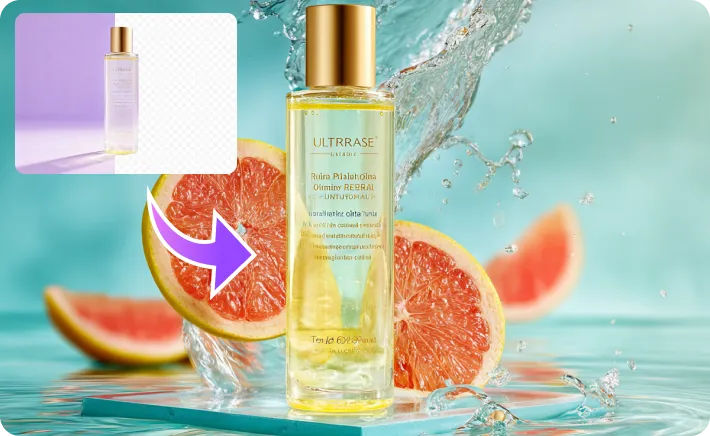
AI Background Changer: Level Up Your Product Photography
You don't need a studio to shoot high-end beauty ads. Just change photo background with AI. Swap a dull counter for a splash of water or a podium. It’s perfect for making Instagram product photos that actually stop the scroll.
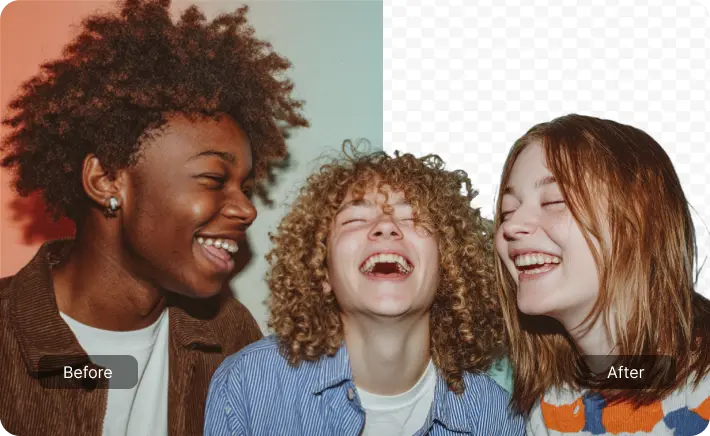
Precision Cutouts: Remove Background from People & Portraits
Group selfies and portraits can be tricky, especially with flyaway hair. Our tool handles removing background from people like a pro. Get a clean transparent PNG instantly to use for event flyers, digital art, or just a fresh new profile pic.
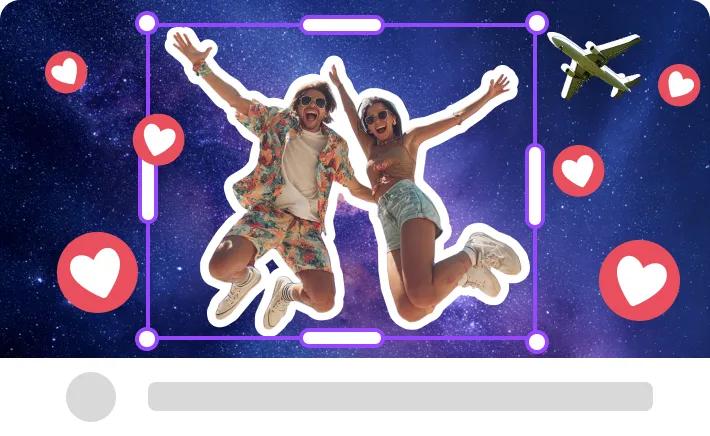
Creator Mode: YouTube Thumbnails & Custom Stickers
Want those pop-out visuals for YouTube thumbnails? Remove image background online to create the perfect sticker effect. It’s a cheat code for creators making custom stickers, TikTok overlays, and viral memes in seconds.
How to Remove Background from Image Online
1. Upload Your Photo
Just drag and drop your image or click to upload. Our tool accepts JPG, PNG, and WebP files—perfect for quick edits.
2. Auto-Remove Background
Watch our AI background eraser go to work. It instantly separates the subject from the background, giving you a precise cutout in seconds.
3. Download Transparent PNG
Happy with the cut? Download your new transparent image as a high-res PNG. It's ready to drop into any design or e-commerce listing.
Why Choose MonetLabs AI Remover?
Lightning Fast AI Removal
Stop wasting hours with the pen tool. Our AI removes backgrounds automatically in seconds. It's the ultimate time-saver for designers, marketers, and sellers.

Studio-Quality Edge Detection
We handle the tough stuff—hair, fur, and complex edges. Get crisp, high-resolution transparent backgrounds that look like they were edited by a pro retoucher.

Zero Learning Curve
You don't need to be a Photoshop expert. Just upload your photo, and our tool does the rest. It's the easiest way to clear backgrounds online without technical skills.

Commercial Rights Included
Scale your business with confidence. All processed images come with full commercial licensing, making them safe for your online store, ads, and client projects.

Ready to Remove Backgrounds Instantly?
Don't let busy backgrounds ruin your shots. Upload your image and get a perfect transparent background in seconds. Start with free credits today!
Frequently Asked Questions
Is this AI background remover free to use?
MonetLabs provides free credits for all new users, allowing you to remove backgrounds and download high-quality images for free. Once your trial credits are depleted, you can purchase more to keep creating.
How do I ensure the background stays transparent?
Just make sure to download your result as a PNG file. Our tool automatically exports in PNG format because it supports transparency. If you convert it to JPEG later, the transparent areas will turn white, so stick to PNG!
What images work best for background removal?
Our AI is trained on everything. It excels at cutting out people (even with tricky hair), products (shoes, electronics, cosmetics), cars, and animals. It also works great for removing backgrounds from logos and digital graphics.
Can I remove the white background from a logo?
Absolutely. This is a super common use case. Upload your logo (even if it's a flat JPG), and our tool will detect the white box and delete it, leaving you with a crisp, transparent logo ready for your website or videos.
Does the image quality drop after processing?
Not at all. We maintain the original resolution of your subject. The AI strictly targets the background pixels while keeping your main object sharp and high-quality. Perfect for professional listings or social media.
Do I need to install Photoshop or other software?
Nope! MonetLabs runs entirely in your browser. You don't need to download heavy software or have any editing skills. It works on your phone, tablet, or desktop computer instantly.